The only scanner app
you'll ever need.
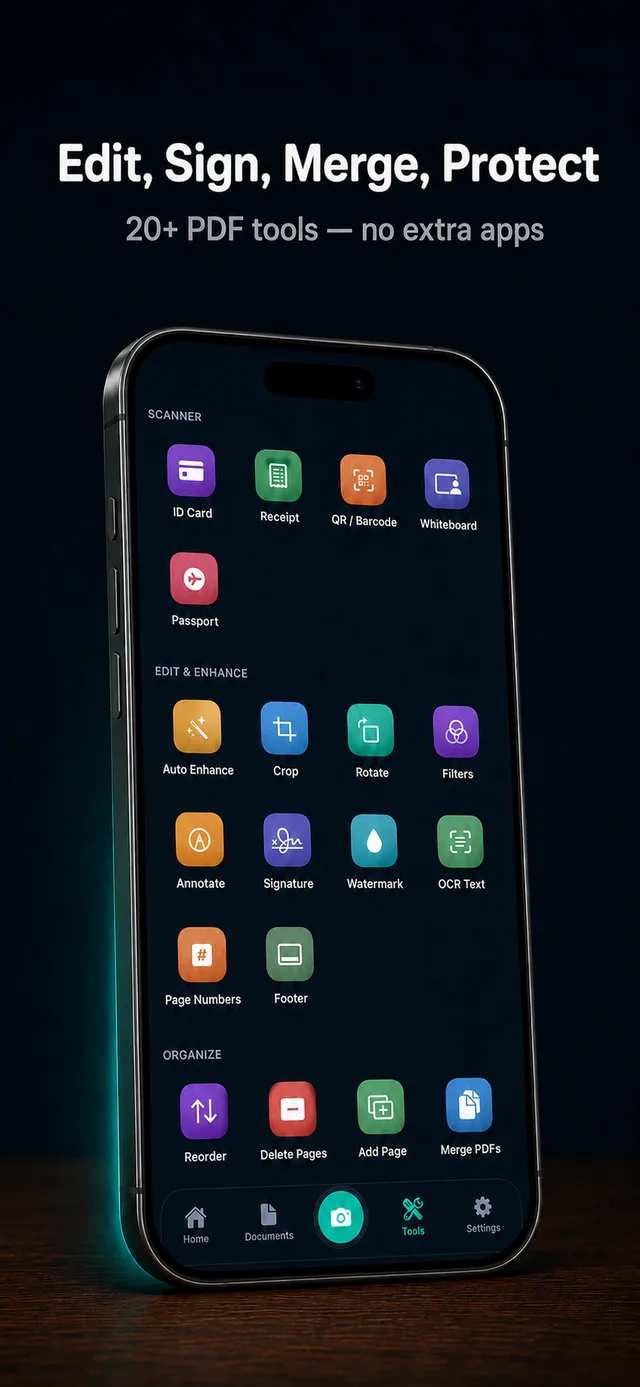
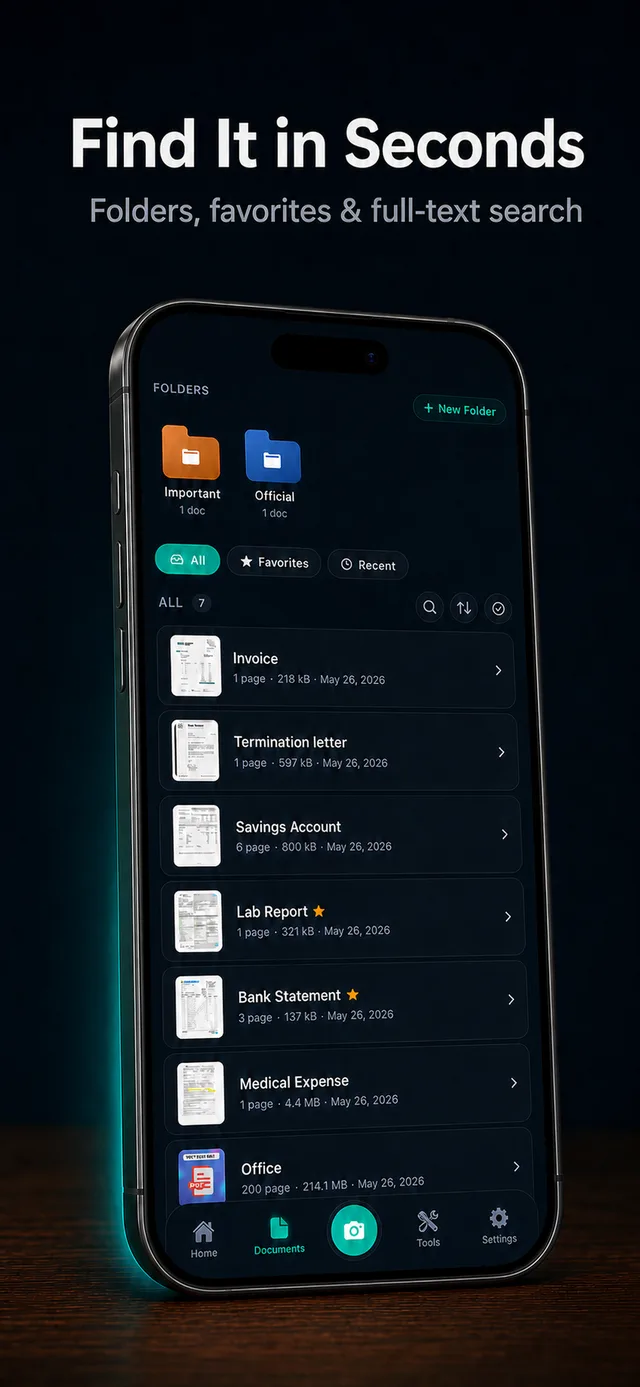
26 powerful tools. Smart edge detection. OCR search. iCloud sync. Everything you need to scan, edit, organize, and share documents — in one app.
Free to download · Scanniq Pro available
Built for people who care about their documents.
Designed and engineered around four principles: privacy, speed, accuracy, and an interface that feels at home on iOS.
Privacy by design
Documents never leave your device or your private cloud storage. We have zero access to your files — ever.
On-device OCR
Extract searchable, copyable text from any scan in 30+ languages — no internet required.
Smart edge detection
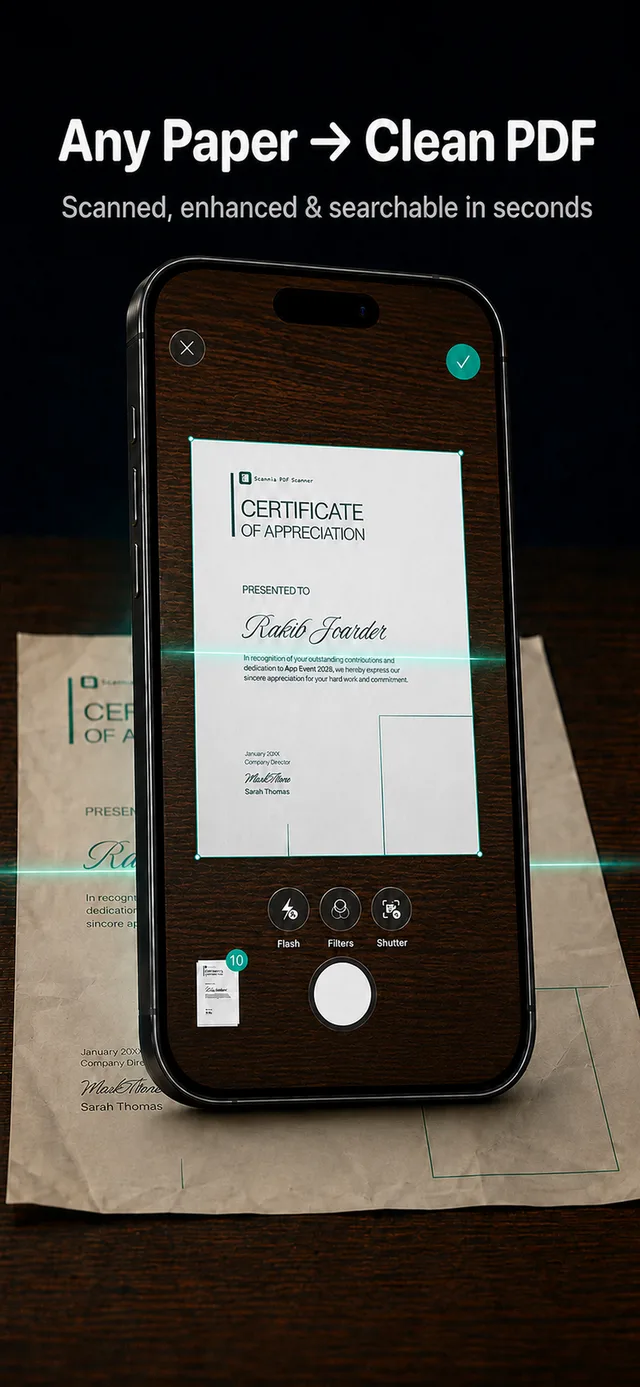
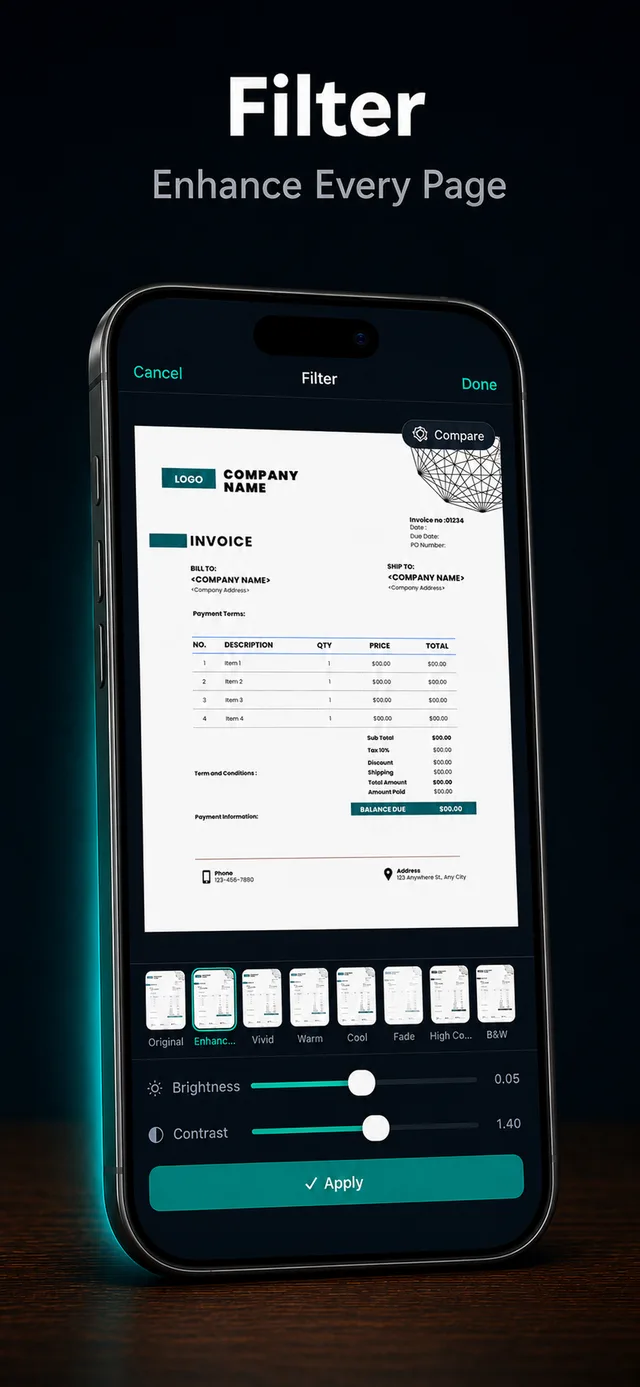
Auto-detects page boundaries, perspective-corrects, and enhances clarity — instantly.
Cloud sync
All your scans stay in sync across iPhone, iPad, and Mac via Files app and cloud storage.
Built for iOS
Native SwiftUI design. Dynamic Type, Dark Mode, VoiceOver — everything Apple users expect.
26 tools in one app
Scan, edit, organize, convert, secure, and share — without juggling five different apps.
Everything in one app.
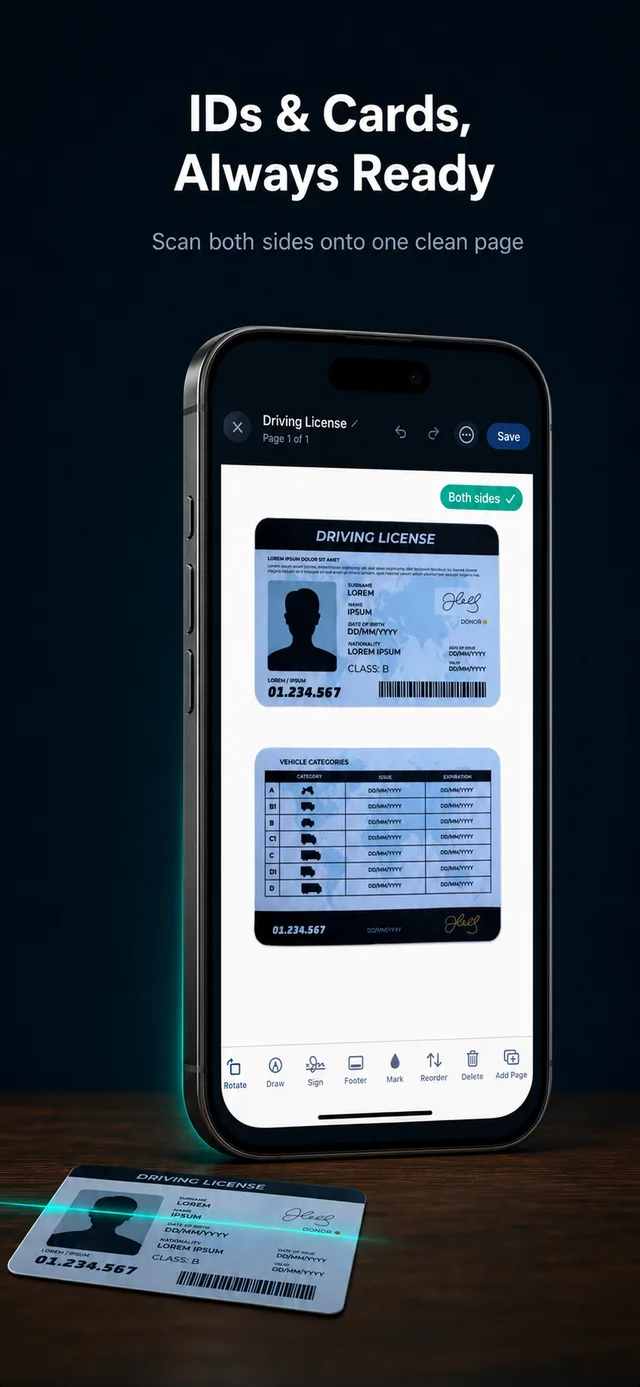
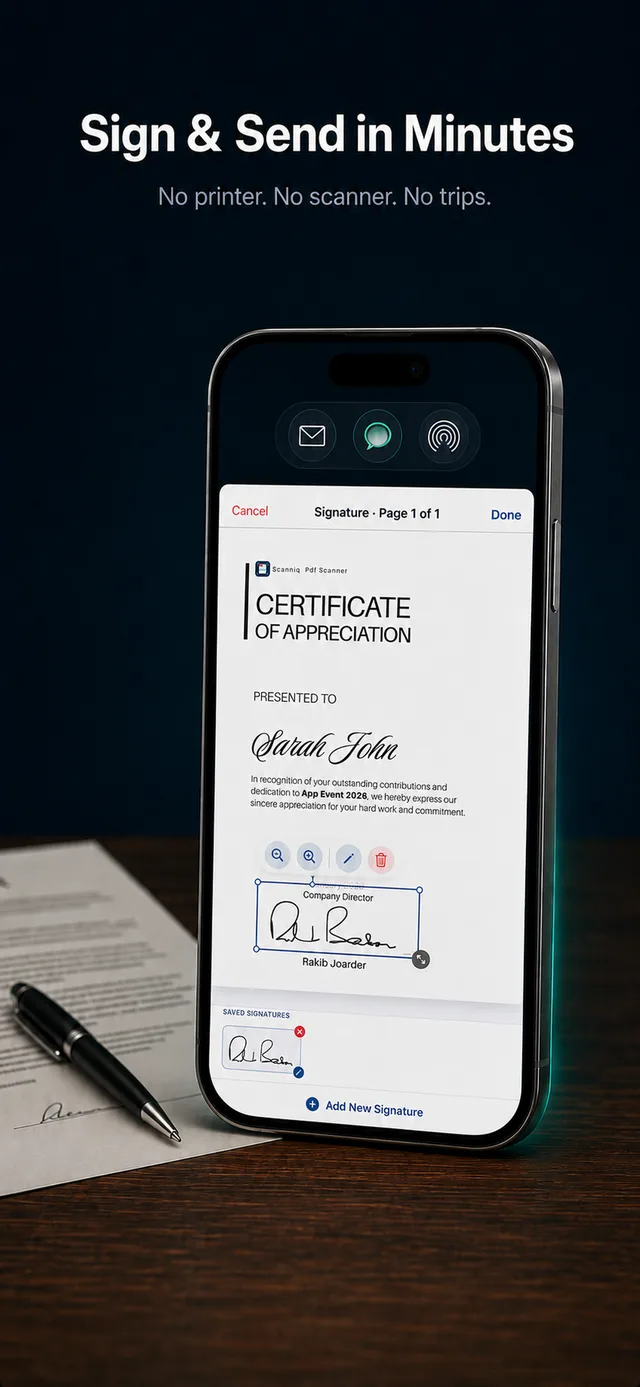
Five categories, 26 tools — scanner, editor, organizer, converter, and security all built in.
Scanner
6 toolsEdit & Enhance
8 toolsOrganize
4 toolsOptimize & Convert
4 toolsSecurity & Share
4 toolsSee it in action
Frequently asked questions.
Quick answers to the things people ask most about Scanniq.
Is Scanniq free?
Yes. Scanniq is free to download and includes core scanning and PDF tools. The free plan includes 3 scans, 3 exports, and watermarked PDFs. Scanniq Pro unlocks unlimited scans and exports plus watermark-free PDFs — available as a monthly, annual, or lifetime purchase.
What does Scanniq Pro include?
Scanniq Pro removes scan and export limits, removes watermarks from saved and shared PDFs, allows unrestricted copy/export of OCR text, and unlocks password protection, PDF unlock, merge PDFs, and split PDF. Most other PDF editing tools remain available on the free plan.
Does Scanniq work without internet?
Yes. Scanning, OCR, editing, and exporting all run on-device. Cloud sync is the only feature that requires a connection.
Where are my documents stored?
Locally on your iPhone, and (if you enable sync) in your private cloud storage. Scanniq has no servers and cannot access your files.
Can I cancel my subscription?
Anytime, from iPhone Settings → Apple ID → Subscriptions. You keep Pro access through the end of the current billing period for subscriptions. Lifetime purchases do not renew.
Does OCR support my language?
Scanniq supports 30+ recognition languages, including English, Spanish, French, German, Chinese, Japanese, Arabic, and Bengali, among others.
Is there an Android version?
Not yet. Scanniq is an iOS-only app, built natively in SwiftUI for the best possible experience on iPhone and iPad.
Tips & guides for going paperless.
Practical guides on scanning, PDF tools, and document management on iPhone.
How to Scan Documents on iPhone — The Right Way
Most people use the Notes app. Here's why a dedicated document scanner gives you sharper scans, better OCR, and actual PDF control.
Read article →Convert Images to PDF on iPhone in Seconds
Photos from your camera roll, screenshots, JPEG files — all converted to a clean, shareable PDF without a desktop computer.
Read article →How to Merge PDFs on iPhone (No Desktop Needed)
Combine multiple PDF files into one document in seconds, straight from your iPhone — no uploads, no third-party websites.
Read article → Ready to go paperless?
Download Scanniq free and unlock 26 tools for scanning, editing, and organizing your documents.
Download Free on iOS